Walkthrough
Our team shows the office working, from the inside.
- Live, with the team
- No commitment
 PT
Ask for a walkthrough
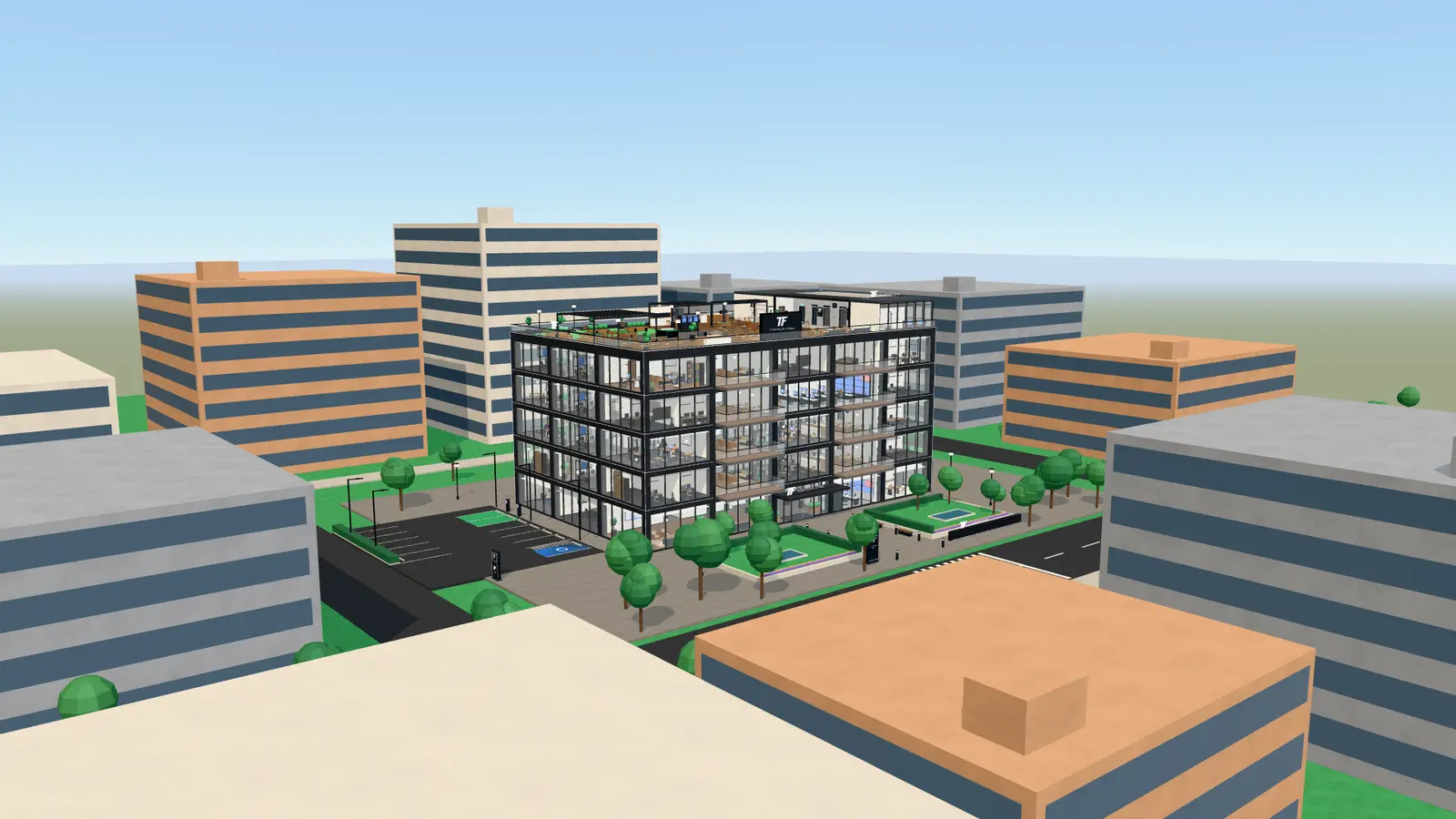
Our own product
In the browser, on a computer or a phone. With AI agents that do real work: each one in its own room, reading the company's systems to answer with real data.
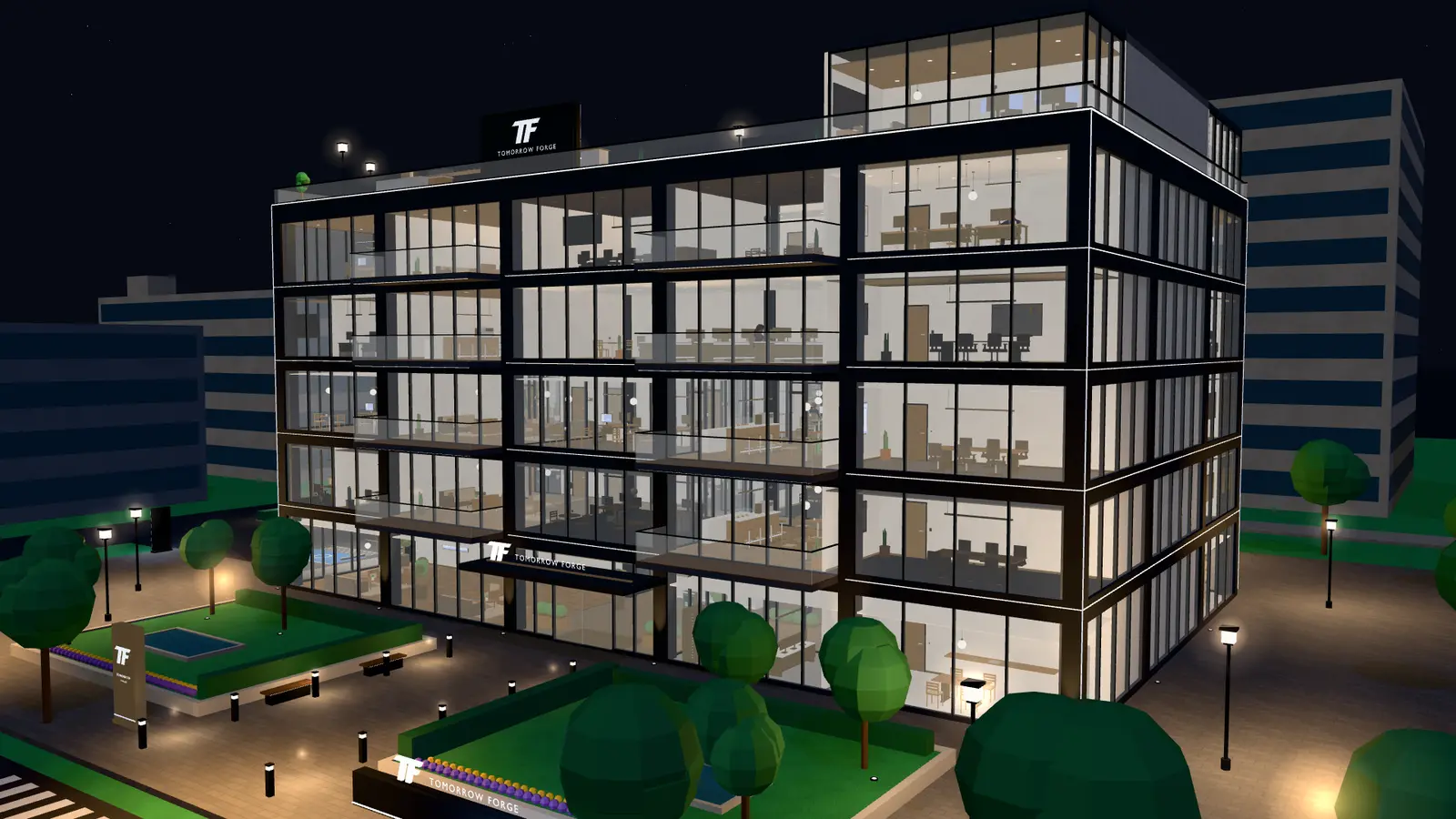
The 3D Virtual Office is a product built by Tomorrow Forge. What you see on this page is our own.
Floors, rooms, agents, meetings and screens, one take at a time.
Why a digital structure
In a company, each area looks at a different system, and the answer to a simple question ends up scattered across them. The 3D Virtual Office brings the team and the AI agents together in one place, with the data from your own systems. And it becomes the head office where the company welcomes clients, partners and visitors.
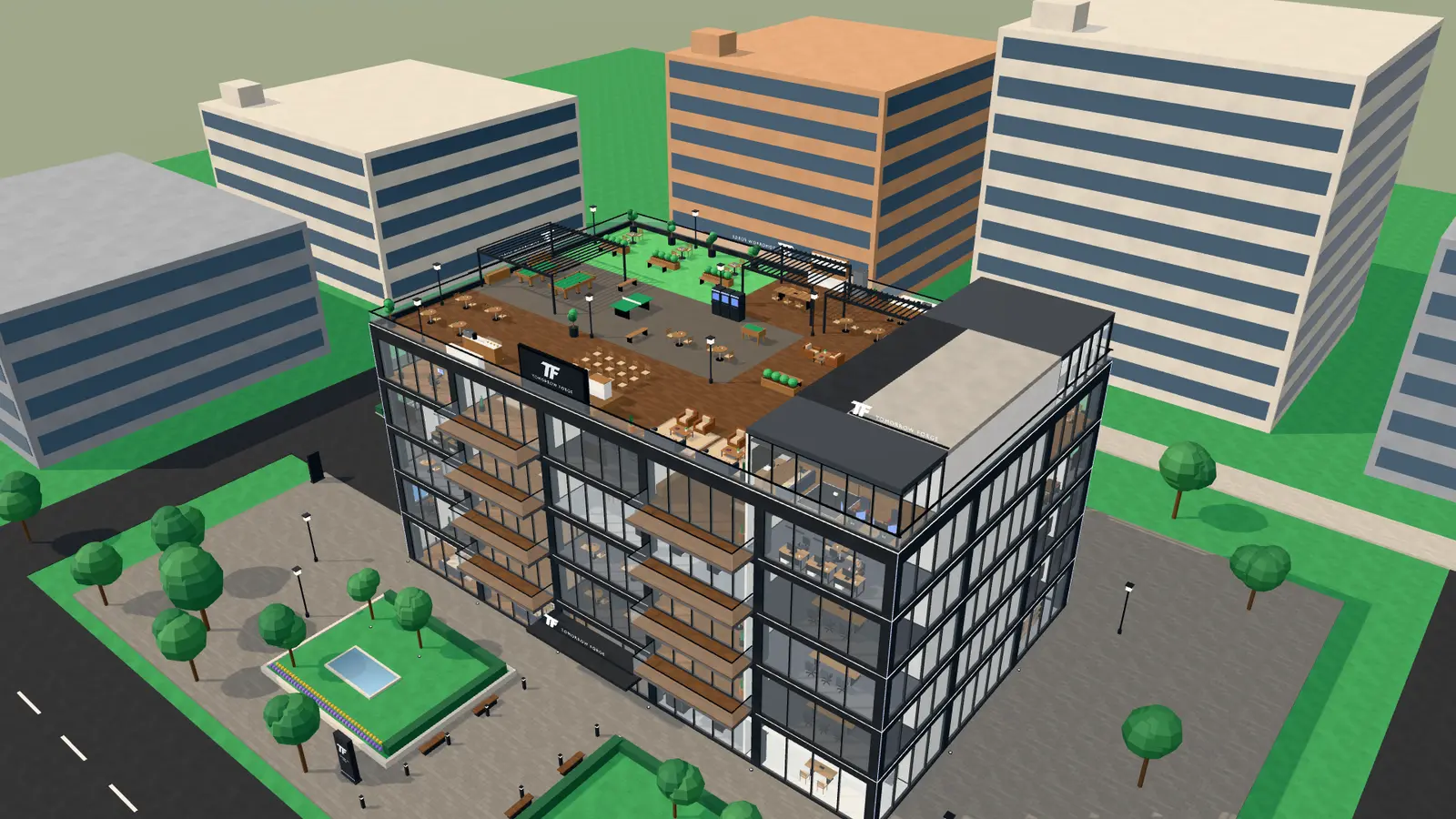
The building
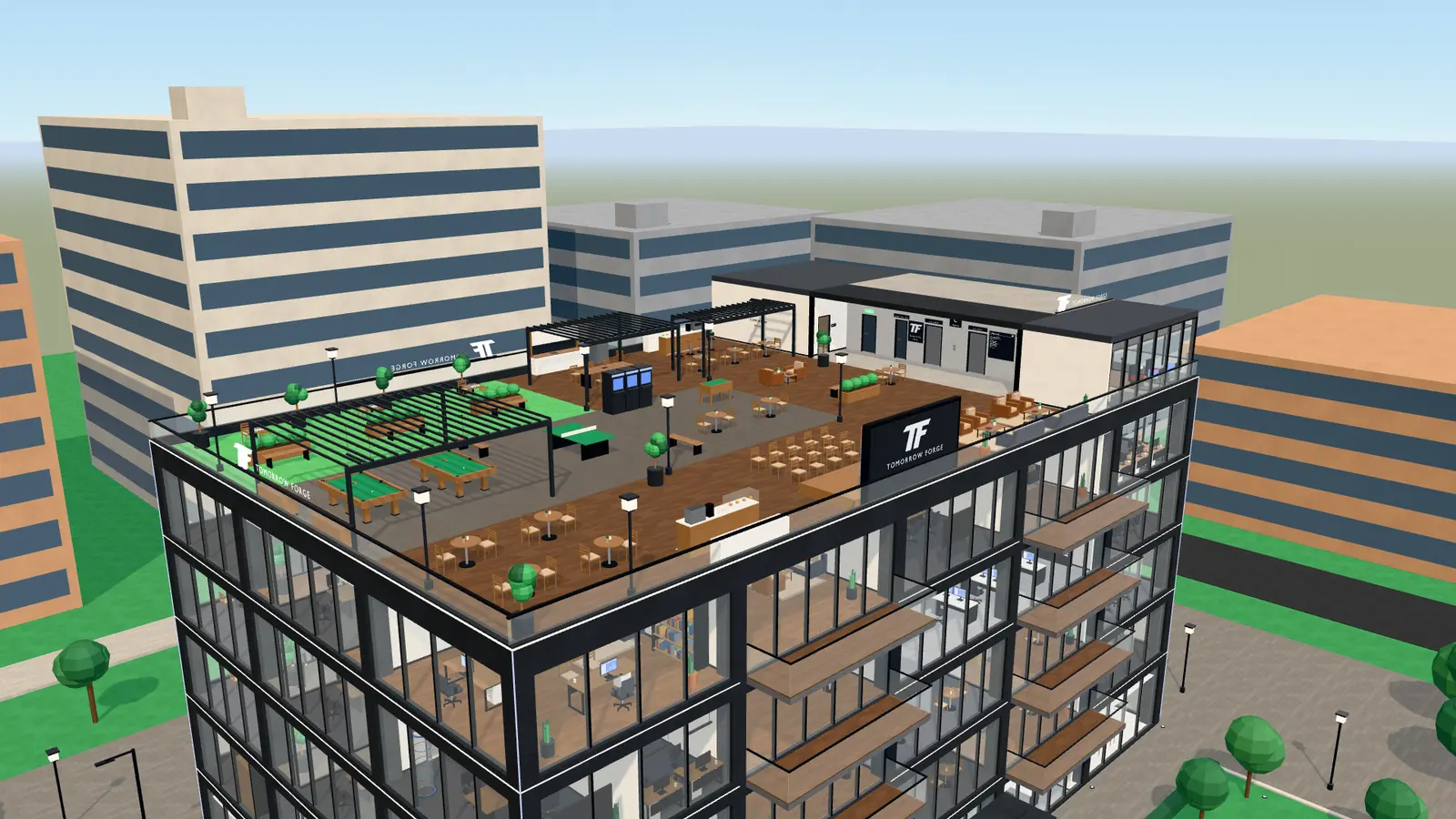
Floors, rooms, a reception, meeting rooms and social areas. Scroll to open it, floor by floor.
The social areas and the open-air auditorium, with the video wall.
The managers' meeting, the approvals and finance.
Server and website monitoring, and the security events.
Sales, marketing, customer service and projects, each area in its own room.
Offices, meeting rooms and a café.
This is our building. In yours, the floors and the rooms follow your company's areas, defined in the assessment.
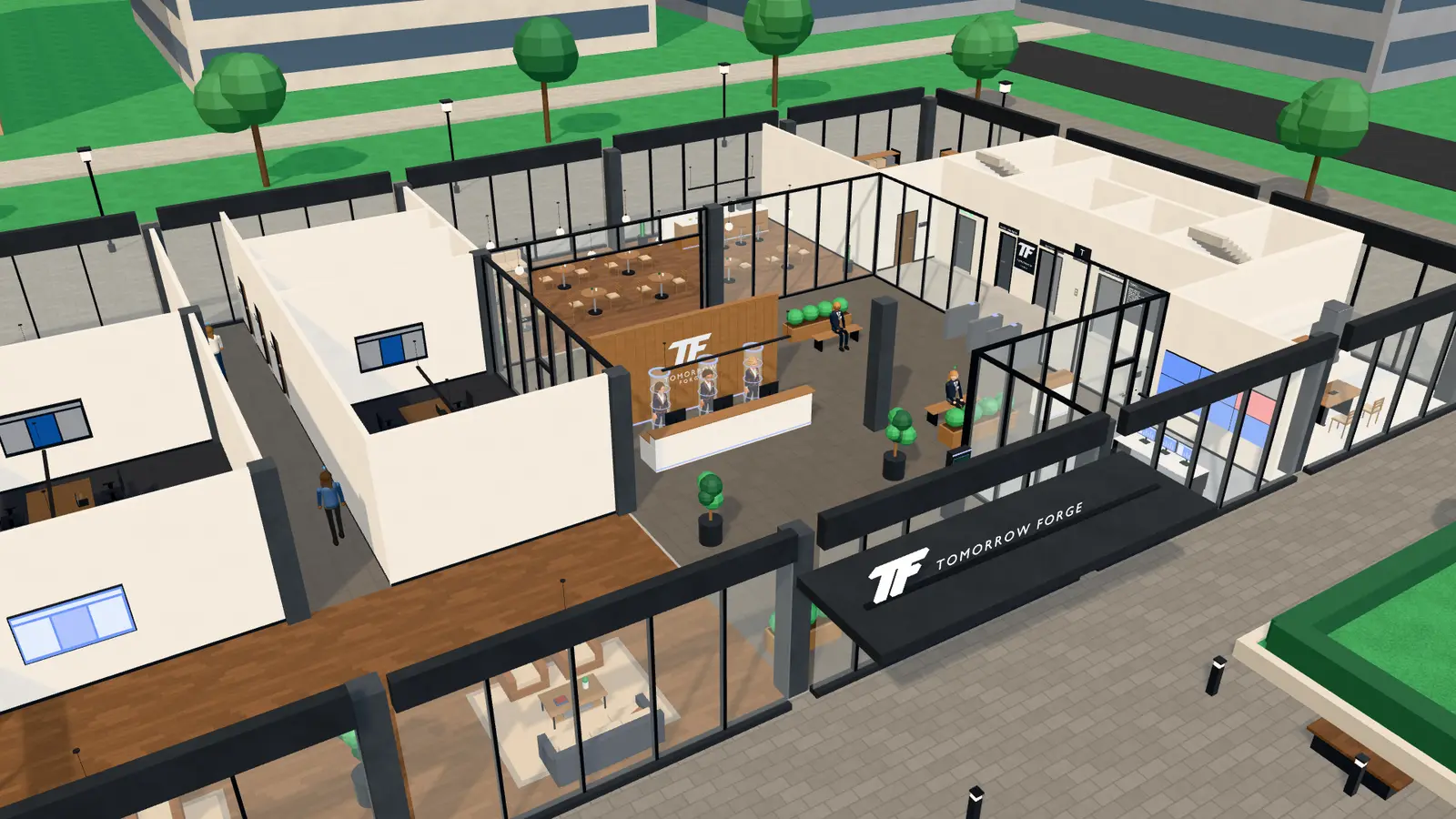
Reception
Clients, partners and visitors come in through the front door, as they would in a real head office.
They talk to the receptionists, who point the way.
Visitor, member, administrator and owner profiles. The role defines which agents a person talks to and what they see.
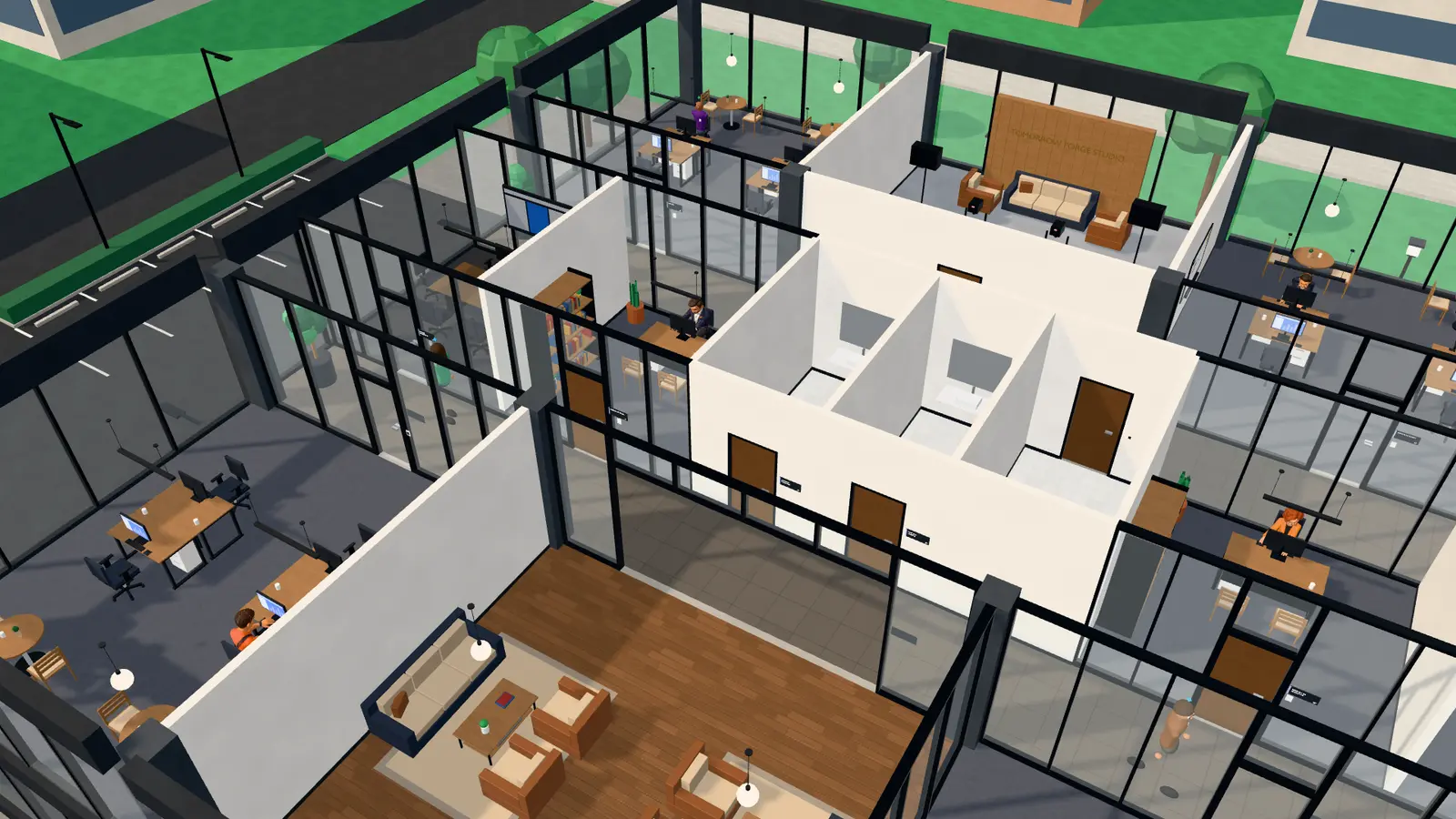
AI agents
The team comes in, walks around the building in Walk mode and talks to each agent in its room.
The agent reads the company's systems to answer. It is not a decorative character.
A WhatsApp message, an email or an action on a server is always a proposal, which only happens after a manager approves it, on screen or through Telegram.
By area
Which agents go into your building, and which systems each one connects to, comes out of the assessment: it depends on the systems your company uses.
Operations
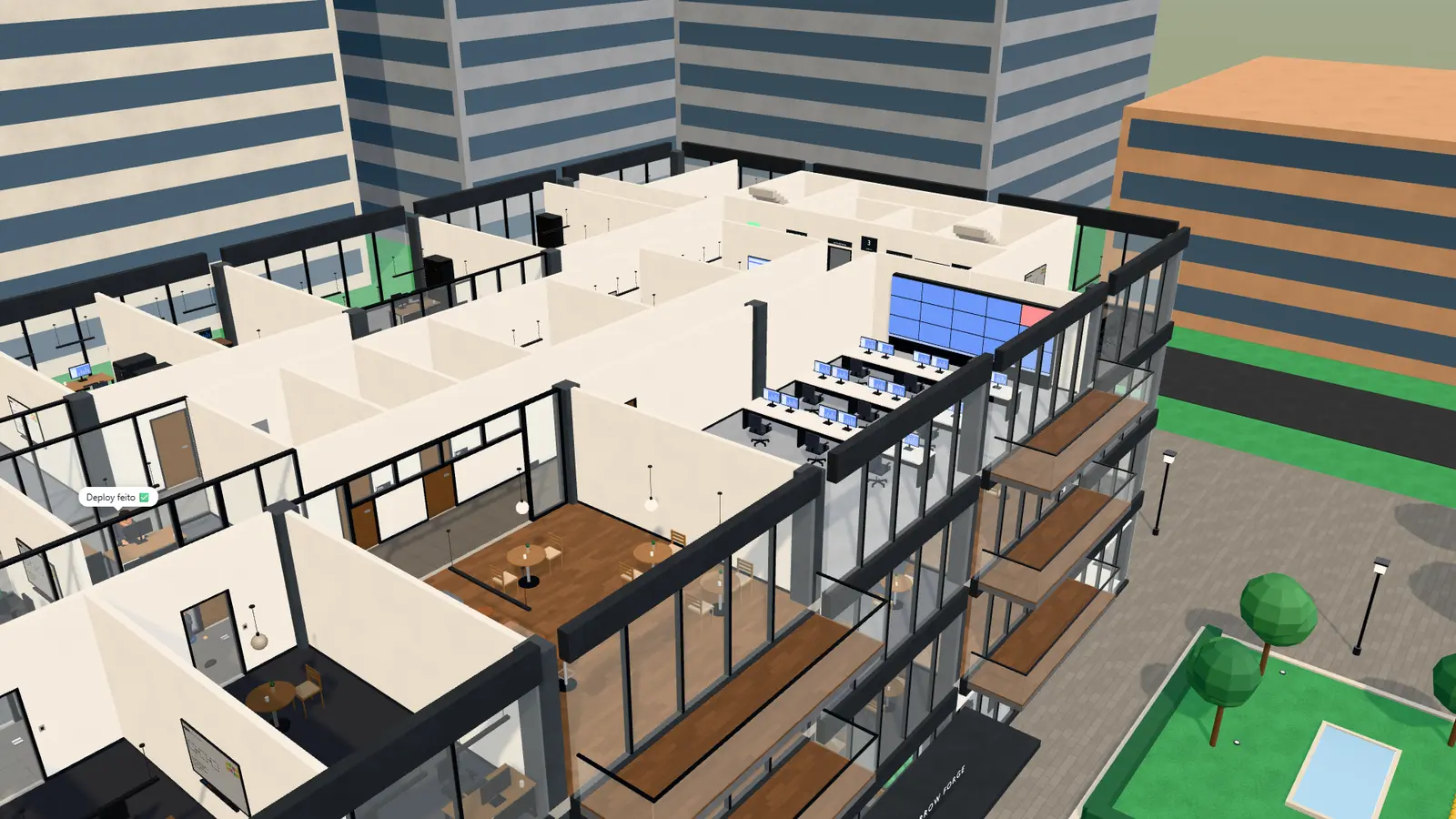
What used to mean opening several systems now sits in one room of the building.
Server and website monitoring with charts, and the security events.
Projects, contracts and payments received, and a performance dashboard for the agents.
Meetings
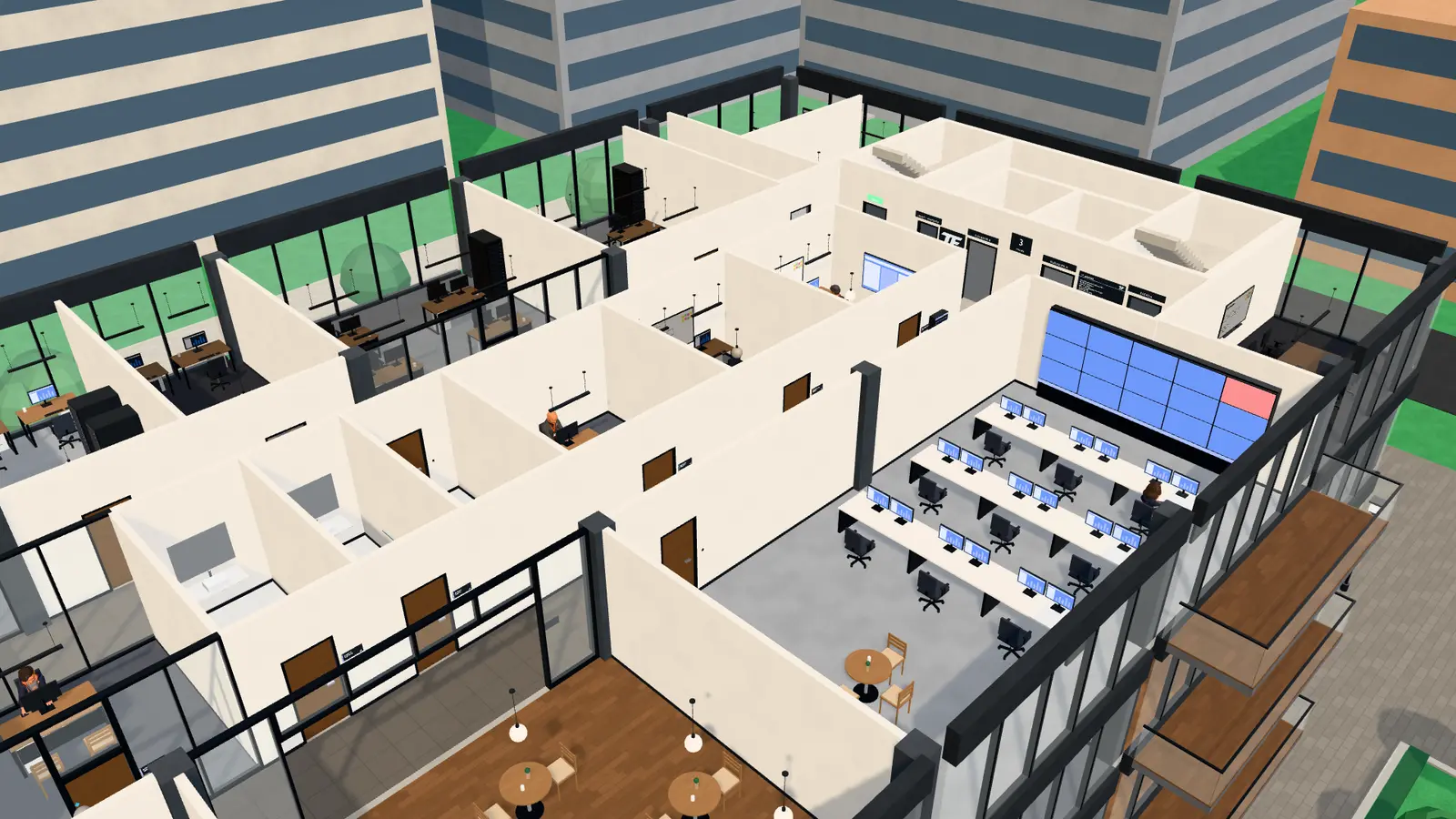
In the managers' meeting, the agents debate the agenda and the chief of staff writes the minutes.
The team meets by voice in the rooms of the building, with transcription, recording and minutes.
To talk to the chief of staff. And what is said in the meetings is read out in natural voices.
Screens
Screens in the rooms and in the auditorium to show a PDF, a video or YouTube to everyone.
A schedule, pieces in each brand's identity and a daily list of news by line of business.
The elevators and the totems show the company's campaigns to whoever walks around the building.
Benefits
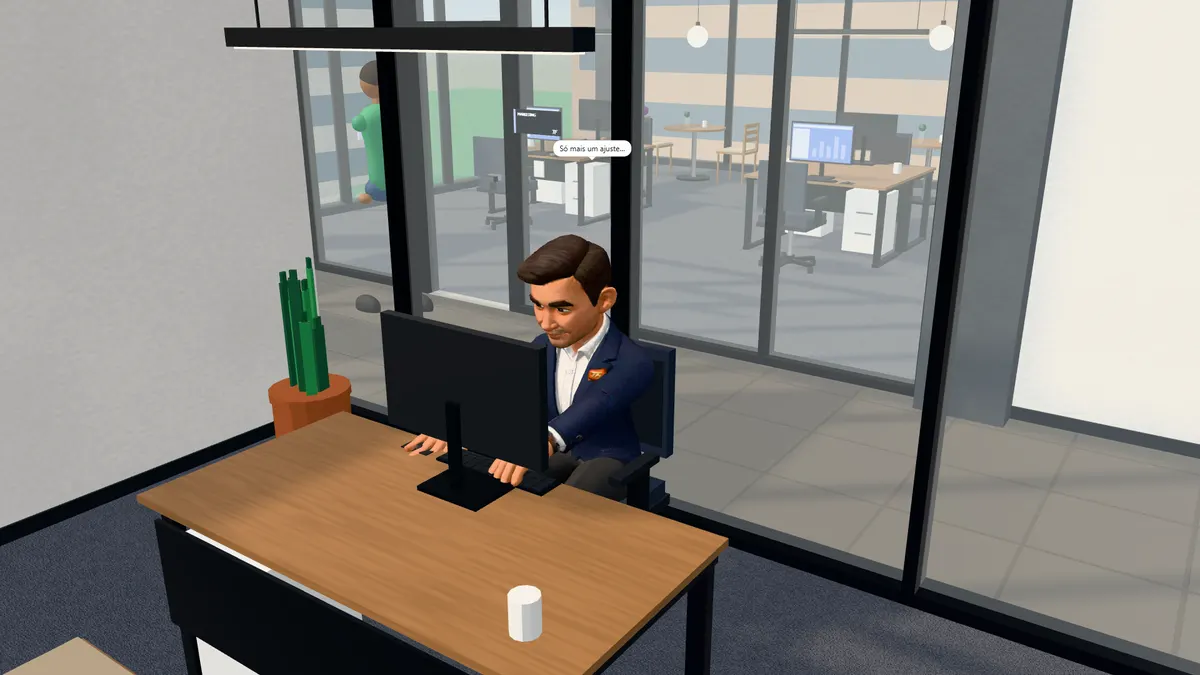
The company stops being a set of loose systems and gets an address.
How it starts
There is no price list and no ready-made plan: the investment and the timeline come in the proposal.
Our team shows the office working, from the inside.
Together we define the building, the agents and the links to your systems.
The scope, the investment and the timeline, presented after the assessment.
Questions
There is no price list and no published plan. It is a custom project: the investment and the timeline come in the proposal, after the free assessment.
There is no public demo yet. To see the office from the inside, ask for a walkthrough: our team shows the building working.
No. The agents only read the company's systems. Whatever leaves it (a WhatsApp message, an email, an action on a server) is always a proposal, which only happens after a manager approves it, on screen or through Telegram.
It depends on the systems your company uses. The links are defined in the free assessment, together with the building and the agents.
No. The building on this page is Tomorrow Forge's. Yours is put together for your company, in your visual identity: the floors, the rooms and the agents follow your areas.
Yes. The office opens in the browser, on a computer or a phone.
There are visitor, member, administrator and owner profiles. The visitor stays in the reception and talks to the receptionists; each role defines which agents a person talks to and what they see.
A walkthrough with the team
Ask for a walkthrough: we show the office working and talk about what yours would be like.
Prefer email? contato@tomorrowforge.tech