Smart digital menu
Complete and in your brand. The customer decides faster.
 PT
Free assessment
Systems built for your operation
Orders, tabs, bookings, work orders and stock in a single system, built around how your operation really works. It looks like your business, and you choose how to pay.
Why custom
Off-the-shelf systems were made for any business. The monthly fee never ends, the menu looks like anyone else's, and the delivery app keeps the commission and your customer's contact. A custom system starts from the other end: from your operation, and fixes what holds your day back.
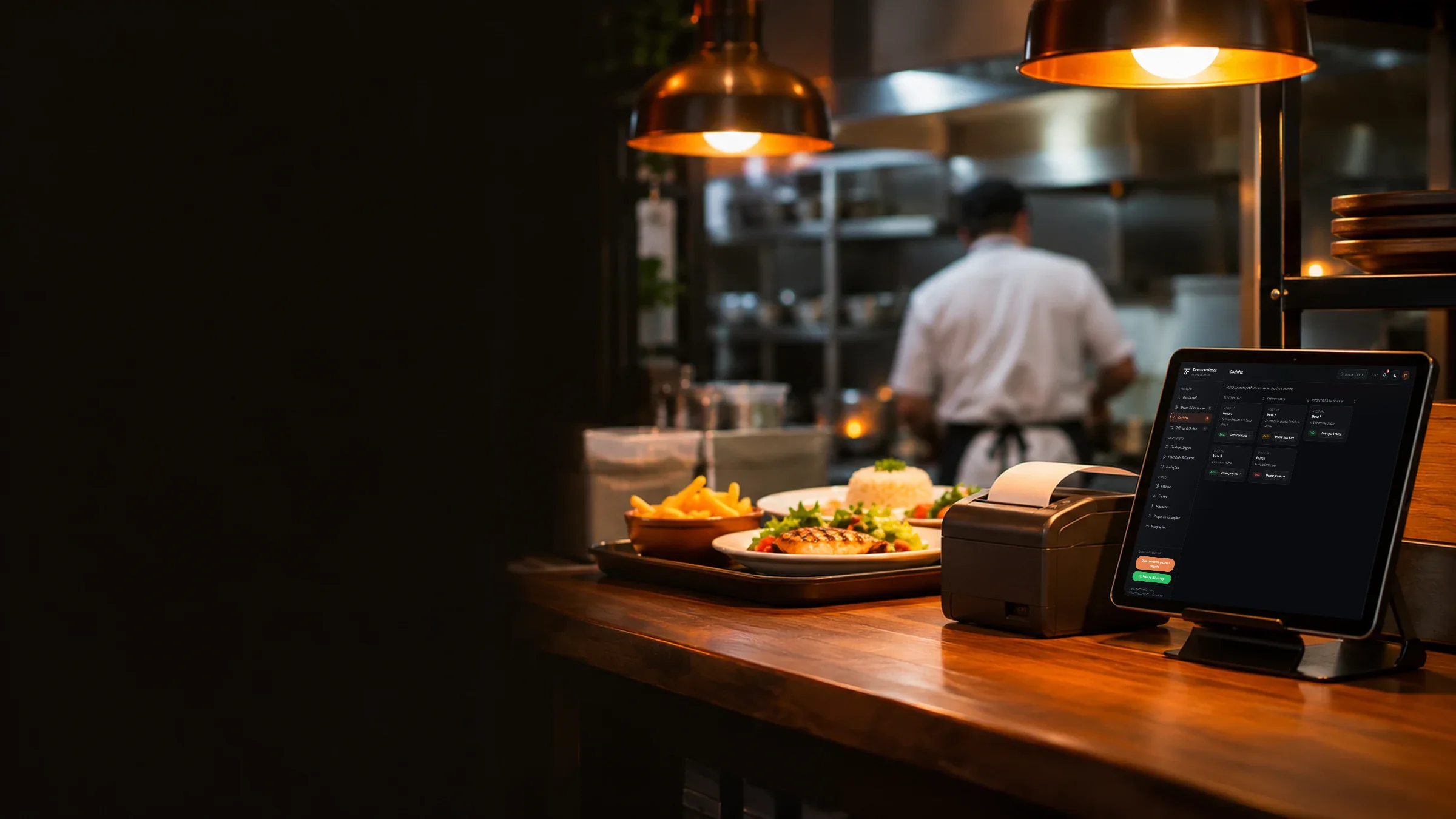
At rush hour
Inside the system
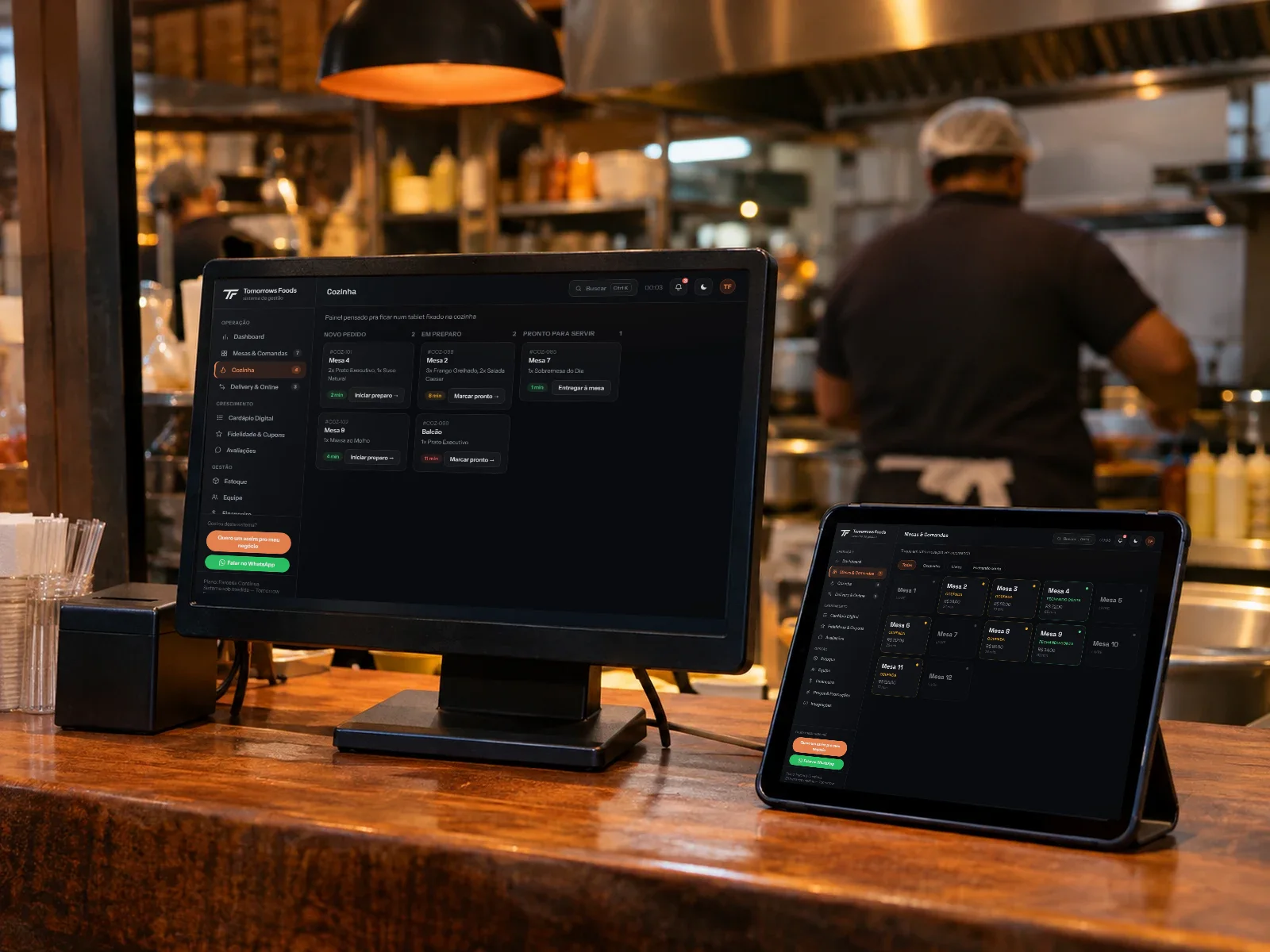
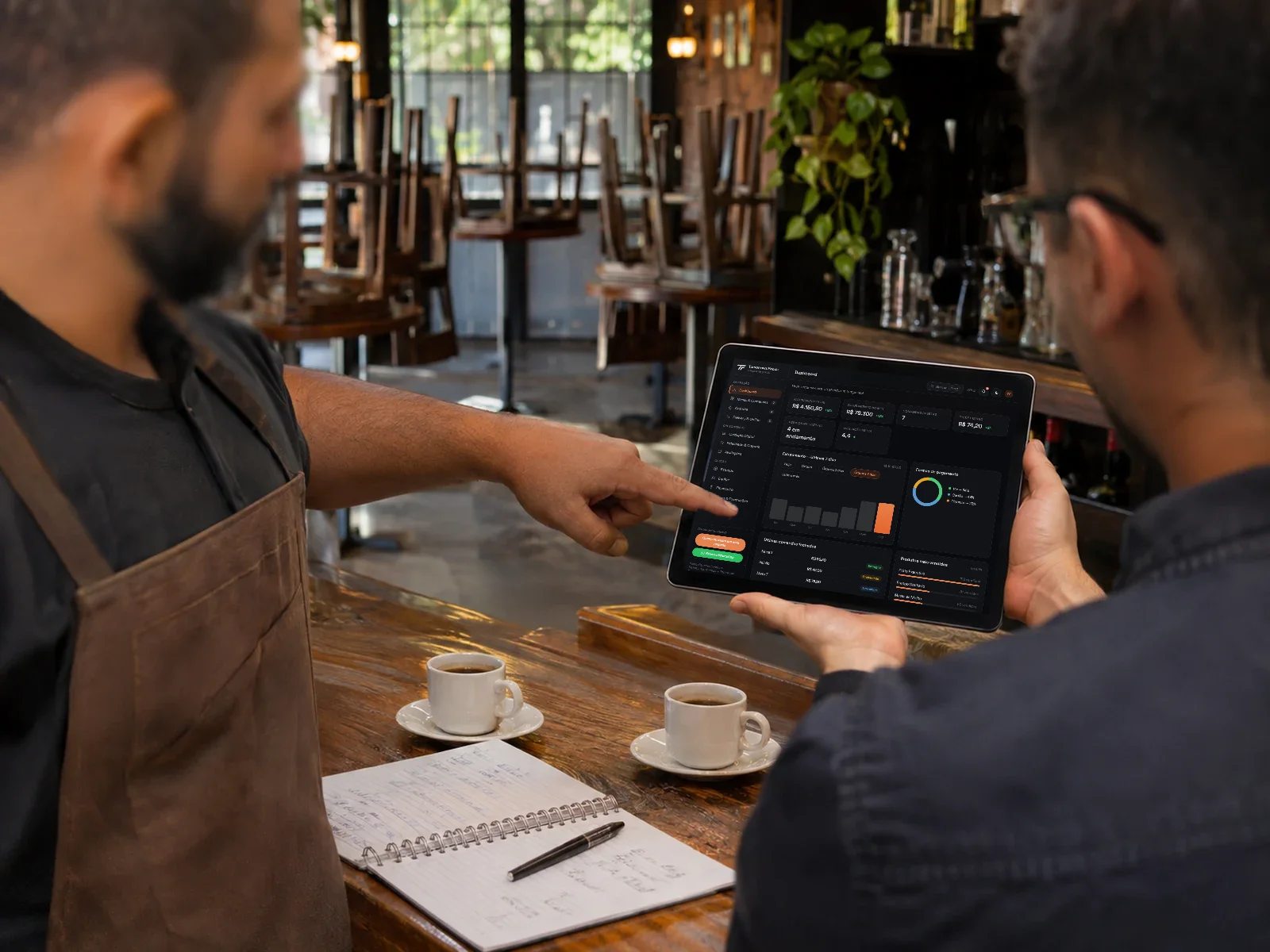
It runs on any screen: the checkout computer, the tablet on the floor and the customer's phone.
Complete and in your brand. The customer decides faster.
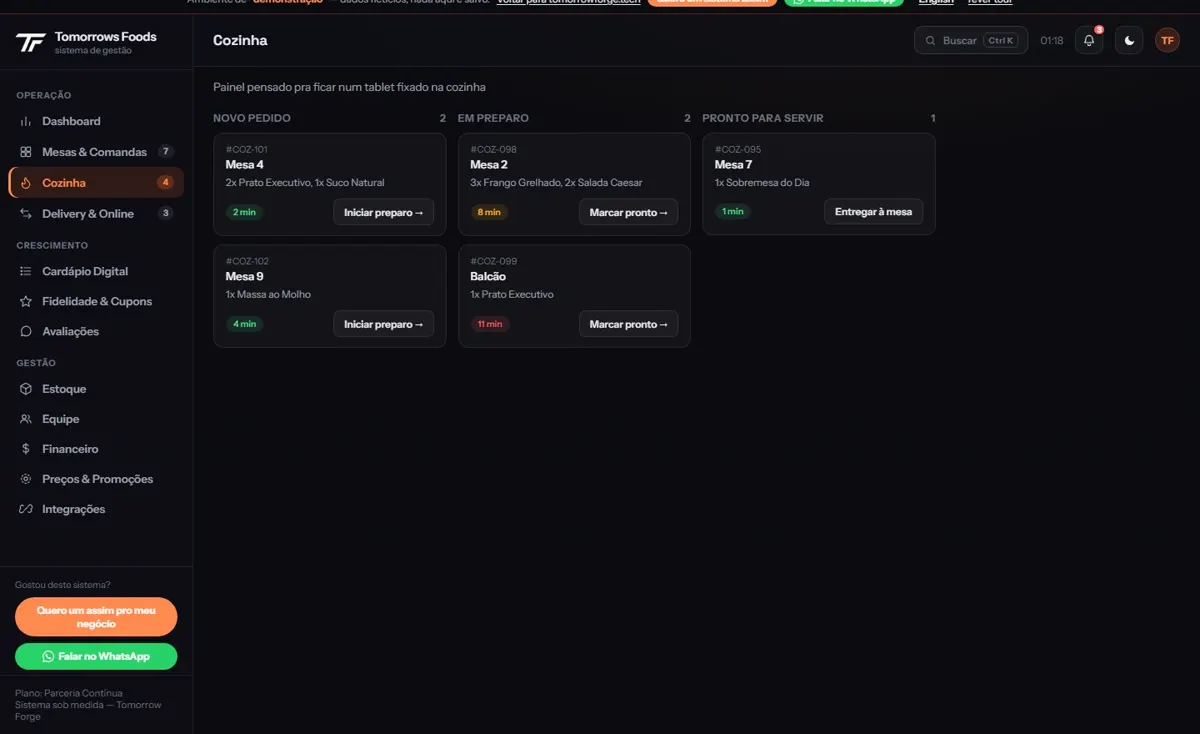
Kitchen and checkout in sync, each order tracked from start to finish.
Revenue, stock, team and performance in one place.
Rewards designed for your kind of customer, not generic points.
Direct sales, with no app commission and without losing the customer's contact.
The menu adapts to the reader's language.
Time-based promotions and automatic combos, running on their own.
Hear the customer right after the order and fix things before they leave.
Away from the counter, the system takes another shape: a schedule per professional, work orders on a kanban, a walk-in queue with tickets. The demos below show each case.
Custom or off-the-shelf
An off-the-shelf system asks the business to adapt to it. Here it is the other way around.
Go in and try it yourself
Sample data, fully working. Nothing is saved.
Tables and tabs, the pool-table queue live on the phone, delivery and a digital menu with a cart.
Open the demo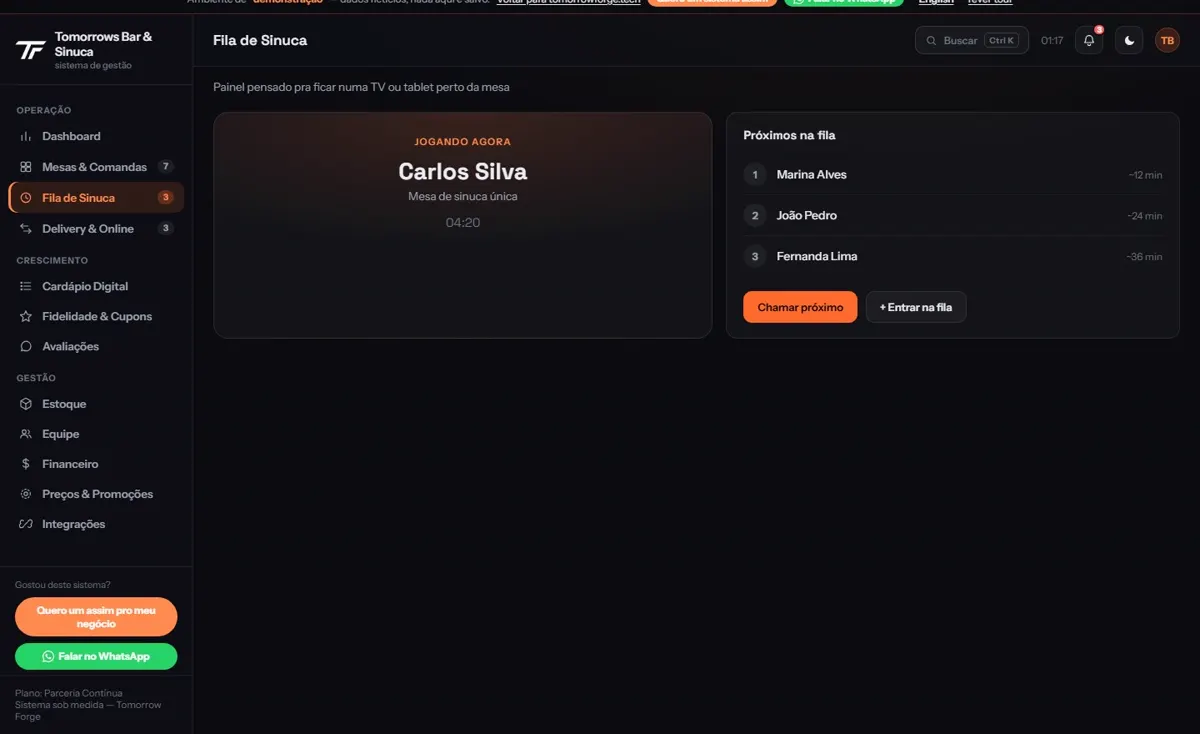
The kitchen follows the orders live, the menu switches language for tourists and the floor keeps track of the tables.
Open the demoAn approved quote becomes a work order, the kanban shows which stage each car is at and the hours are logged.
Open the demo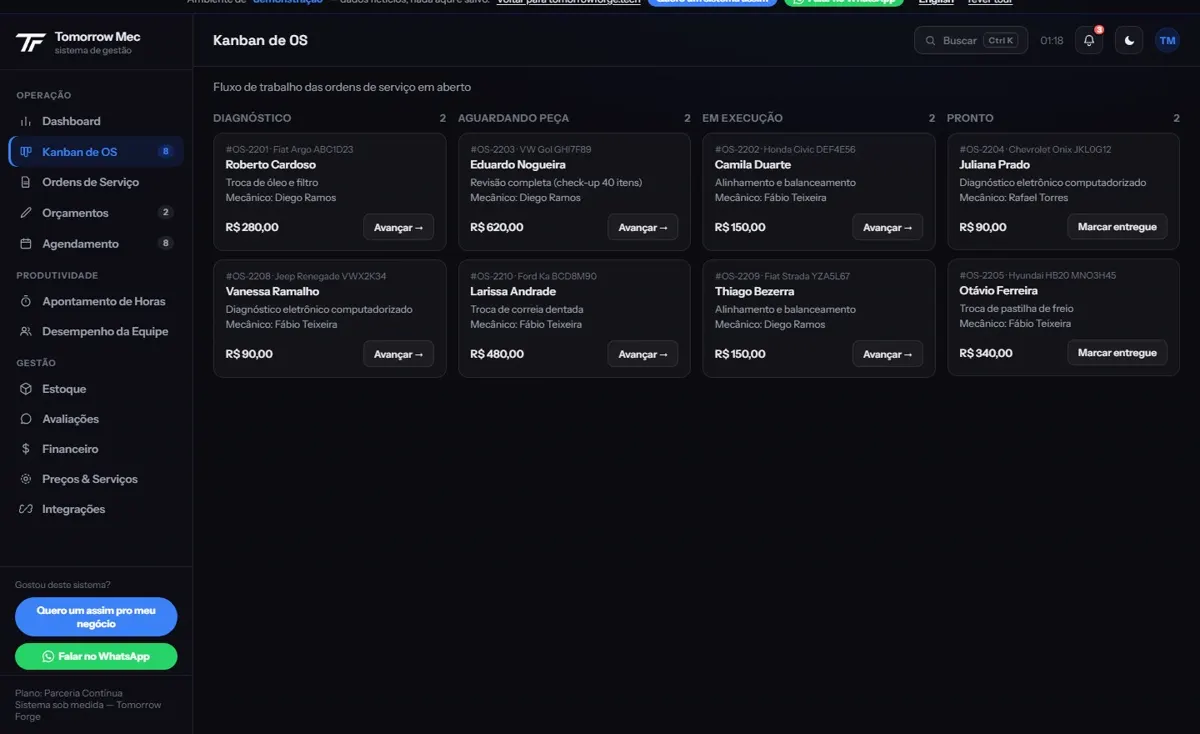
A walk-in queue with tickets and estimated wait, a schedule per barber and a digital loyalty card.
Open the demo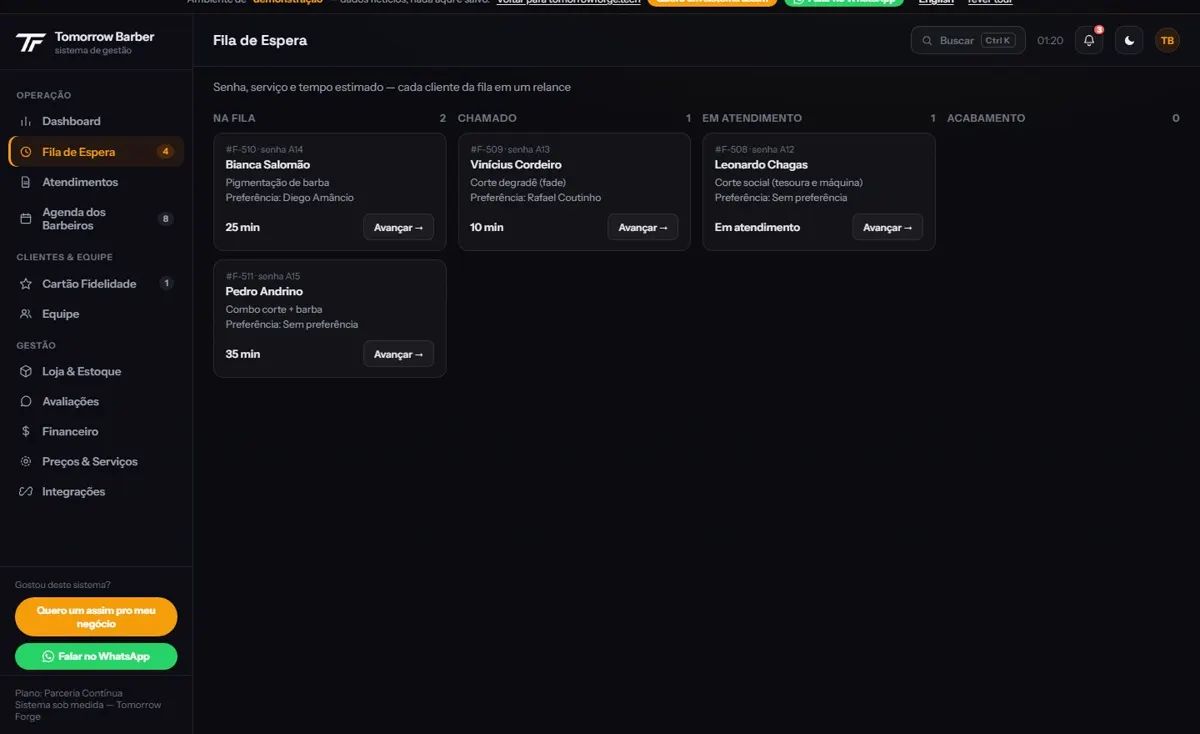
There are ten demos: also a pet shop, a butcher shop, car detailing, a dental clinic, real estate and play replay. See them all on the home page.
Already running in real operations
Its own digital menu and ordering with no line at the counter.
The customer decides faster 02Tables, tabs and the pool-table queue live on the phone.
No bottlenecks 03Its own online store, with delivery or pickup without leaving the car.
Direct sales, no commission 04An approved quote becomes a work order, on a live kanban.
Shop floor under control 05Automatic job status and booking without WhatsApp.
The customer doesn't need to askHow it works
We understand the business, the operation and what holds growth back. It is free.
Clear scope, a set deadline and the investment presented with no fine print.
Built in your brand identity, with check-ins along the way.
System live and team trained.
Ongoing follow-up. The business evolves, and the system evolves with it.
How to pay
These are not quality tiers. The system, the support and the delivery are the same in all three.
An affordable monthly fee, to start without a high investment.
A one-time investment. The system becomes yours, with no monthly fee afterwards.
A low down payment and agreed installments, to start quickly.
Nothing here has a list price, because every system starts with the assessment. The figures come in the proposal.
Which one fits you
All three are custom and look like your business. What changes is the problem each one solves.
A single page with one offer and one action: message on WhatsApp, book or ask for a quote.
The whole business in one place: who you are, services, team, opening hours and contact.
Orders, tabs, bookings, work orders and stock organized in a single system.
Not sure? The free assessment points the way.
Frequently asked questions
There's no price list, because every system starts with the free assessment. After it, the proposal brings the scope, the timeline and the investment, with no fine print, and you choose one of the three ways to pay.
It depends on the size of the system and on the modules that go into it. The timeline is set in the proposal, before we start.
With the Own License, yes: it is a one-time investment and the system becomes yours, with no monthly fee afterwards. With the Ongoing Partnership, it is licensed for ongoing use, with support and improvements included. The Easy Start is the installment path to the Own License.
No. You use only what your business needs, and the assessment shows what makes sense in your case.
Yes. The system runs on any screen: the checkout computer, the tablet on the floor and the customer's phone.
Yes. With your own delivery and online orders, sales are direct: no app commission and no losing the customer's contact.
The demos show ten cases, but the system is built for your operation. The free assessment is there to understand how your business works before anything is built.
Free assessment
Tell us what holds your day back. The conversation is free, with no commitment.
Prefer email? contato@tomorrowforge.tech